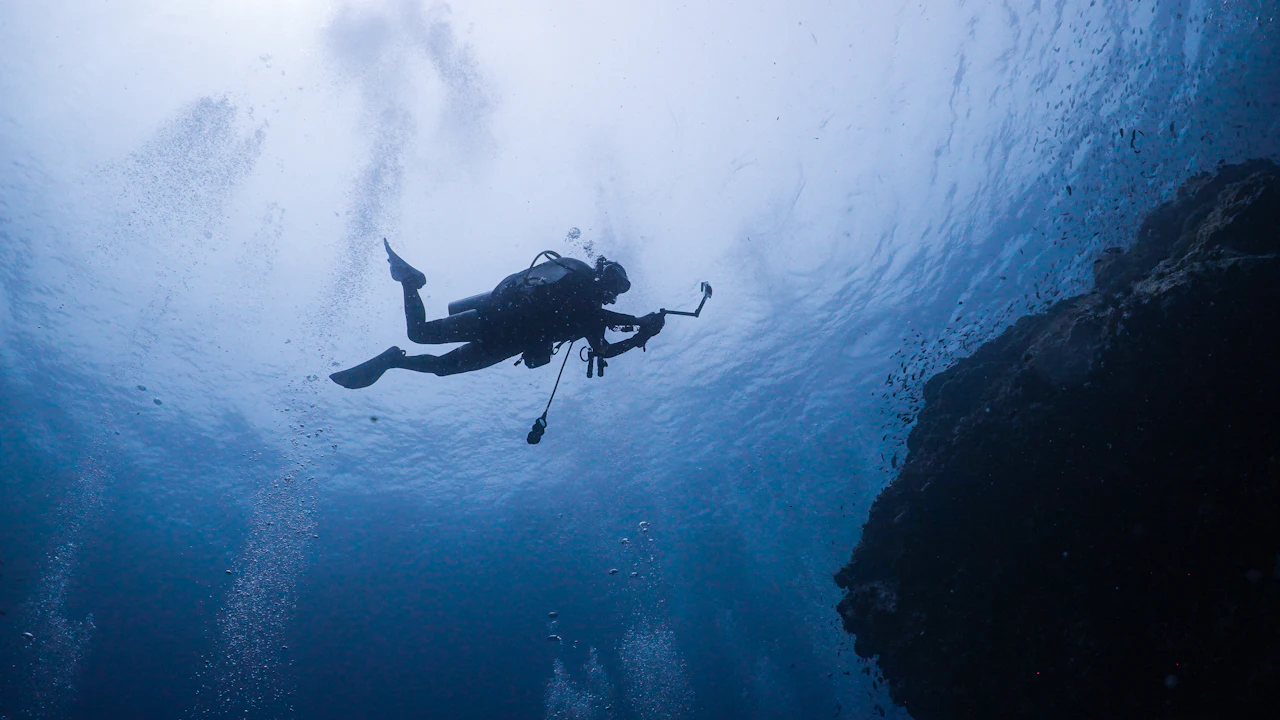
A dive computer for beginners does one big job: it tracks your depth and time and tells you how long you can stay before you would need a decompression stop. It replaces the dive tables new divers once worked out by hand, and it makes a relaxed reef dive at changing depths much easier to plan.
This guide is for new and soon-to-be divers who want to understand the screen on their wrist before buying or borrowing one. We explain how a dive computer works, what the numbers mean, the three main styles, and the habits that keep you safe.
What should a dive computer for beginners do, and do I need one?
Quick answer: A dive computer measures your depth and time, models the nitrogen in your body and counts down your no-decompression limit, updating it as your depth changes. Most new divers find one far easier than tables. Look for a clear display, simple buttons, a nitrox setting and adjustable conservatism, and learn it before your trip.
How a dive computer works
Your body absorbs nitrogen as you breathe compressed air at depth and releases it as you come up. A computer cannot measure that gas inside you, so it runs a mathematical model of imaginary tissue compartments, often 16 of them, that load and unload at different speeds. PADI’s explainer on the science behind how dive computers work covers this in more detail.
From that model the computer works out your no-decompression limit (NDL), the time you can stay at your current depth without needing a decompression stop on the way up. It recalculates constantly from the time you actually spend at each depth. It also carries leftover nitrogen from earlier dives into the next one.
Computer or dive tables?
Each computer uses its own algorithm, which is based on the same science as the dive tables. The difference is that a computer credits you for the shallower parts of a dive, while a simple table plan treats the whole dive as if you stayed at your deepest point. PADI notes that planning a multilevel dive is significantly easier with a computer.

Reading the screen: what the numbers mean
Screens differ from model to model, but most show the same core numbers.
- Depth: how deep you are now, usually with your maximum depth for the dive.
- Dive time: the minutes since you started your descent.
- NDL: the minutes left before a decompression stop would be needed. Keep this number comfortably above zero.
- Ascent rate: a warning if you rise too fast. PADI’s golden rules say to ascend no faster than 18 meters (60 feet) per minute.
- Safety stop: PADI advises a stop at 5 meters (15 feet) for at least three minutes on recreational dives, and your computer helps you time it.
- Gas setting: air or the nitrox mix you are breathing.
Conservatism settings
Most computers let you choose a more or less conservative setting. PADI warns that making a computer less conservative to gain bottom time may raise your risk of decompression injury. As a beginner, leave it on the default or pick a more conservative option.
Remember what the computer cannot know. It has no idea of your age, your fitness or whether you had drinks last night. As PADI puts it, quoting DAN, mathematical models predict outcomes but do not guarantee them.
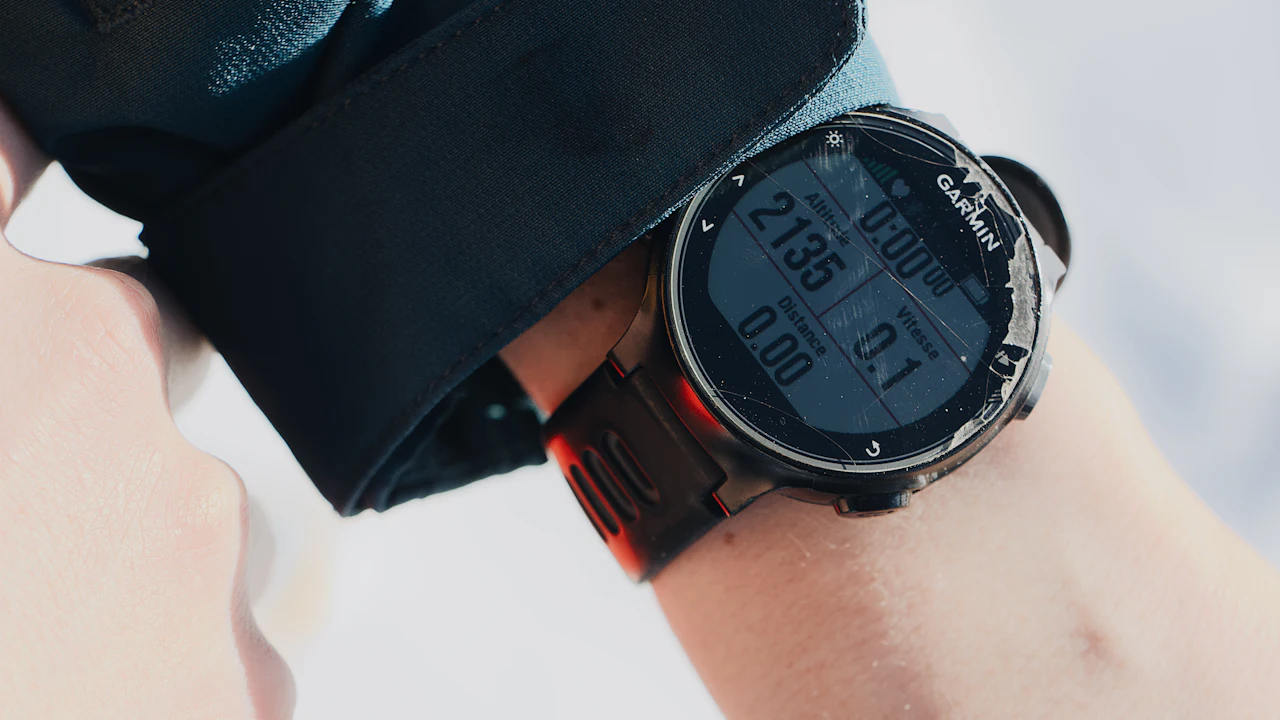
Wrist, console or watch-style: which suits a beginner?
Dive computers come in three common shapes. None is right for everyone, so think about how often you dive and whether you want to wear it on land too.
| Style | How you wear it | Good points | Drawbacks | Who it suits |
|---|---|---|---|---|
| Wrist computer | On a strap around your wrist or wetsuit sleeve | Large, easy-to-read screen that is always in view | Too bulky to wear every day | New divers who want the clearest display |
| Console computer | In a console on the hose from your regulator, often beside the pressure gauge | All your dive data in one place, nothing extra to strap on | You lift it to read it, it can dangle, and it stays with one regulator | Divers who already own their regulator |
| Watch-style computer | Like a wristwatch, on land and in the water | Compact, easy to travel with and doubles as a watch | Smaller numbers and more menus to learn | Divers who travel and dive often |
Whatever the style, look for bold, high-contrast numbers, a backlight and simple buttons. PADI notes that single-button models suit newer divers well. If you choose a console, clip it close to your chest, as our reef etiquette guide for divers explains.

Do I need a dive computer as a beginner?
PADI’s golden rules say to plan every dive within no-decompression limits using a dive computer or dive tables. Owning a computer is a choice, not a rule, so think about how often you will dive.
Rent, borrow or buy
If you dive once a year on vacation, borrowing a computer may be enough to start. If you plan several dive trips a year, your own computer means you learn one screen well and keep a complete log.
A dive computer is not on our published rental list. Bring your own if you have one, and ask us before your trip if you need one. Our guide to scuba gear rental on Ambergris Caye covers what you can rent from us.
Get to know it before the trip
- Read the manual and set the date, time, units and gas.
- Practice at home: scroll through every screen and find the dive log.
- Check or charge the battery before you fly.
- Before your first descent, go through the screen with your buddy or instructor.
Your dive computer and your next course
Your computer becomes more useful as your skills grow. The Advanced Open Water course on Ambergris Caye includes a core deep dive and offers multilevel diving as an elective, and both teach you to watch your NDL with care.
On our Nitrox course on Ambergris Caye, you make two dives on the reef using Nitrox 32. Your computer must be set to the same mix you breathe, and many current models support nitrox.
New to diving altogether? Start with our guide to learning to dive on Ambergris Caye, which lays out the path from a first try dive to certification.

Learning with Elbert
White Sands Dive Shop is a 5 Star PADI Dive Facility on the beach in San Pedro, a PADI International Resort Association member licensed by the Belize Tourism Board. It is owned and operated by PADI IDC Staff Instructor Elbert Greer.
Susan Bird wrote to Elbert after her certification: “You truly put me at ease and made the whole experience fun.” Read more in our letters from students Elbert has taught, and see every course with current prices on our Water Sports page of PADI courses.
Dive computer for beginners: your questions answered
Do beginners need a dive computer?
Not by rule. PADI’s guidance is to plan every dive within no-decompression limits using a dive computer or dive tables, and most new divers find a computer far easier to use.
What does NDL mean on a dive computer?
NDL stands for no-decompression limit, the minutes you can stay at your current depth without needing a decompression stop. The computer updates it continuously as your depth changes.
What conservatism setting should a new diver use?
Leave it on the default or choose a more conservative setting. PADI warns that making a computer less conservative to gain bottom time may increase the risk of decompression injury.
Can my buddy and I share one dive computer?
No. A computer tracks only the depth and time of the diver wearing it, and two divers never follow exactly the same profile, so each diver needs their own.
Does White Sands Dive Shop rent dive computers?
A dive computer is not on our published rental list. Bring your own if you have one, and ask us before your trip if you need one.
Questions before your dive trip?
Not sure which dive computer for beginners suits you, or what to pack? Email Elbert at elbertgreer@fastmail.fm or phone 011 (501) 226 2405. Tell us your experience level and the dives you have in mind, and we will help you plan.